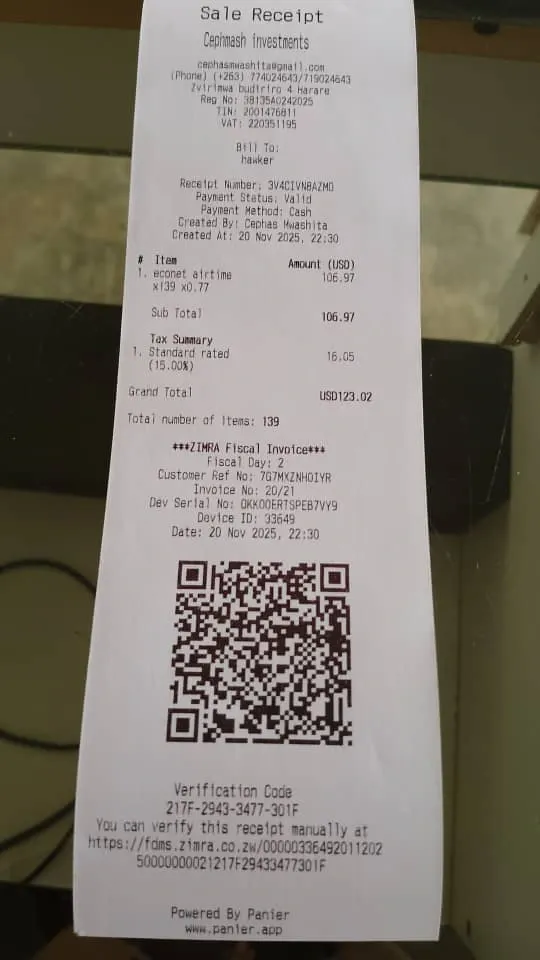
Point of Sale
Panier includes a Point Of Sale feature that allows users to create sales receipts and download them as A4 PDFs or print them directly to a POS thermal printer (58mm or 80mm paper-width) over USB or Bluetooth. This feature is directly linked to the Stock Management feature, allowing for product stocks to be automatically deducted when sales are made. This feature also comes with an offline functionality, allowing users to create sales when the internet connection is down and them will automatically push the sales to the server when the internet is back up.
Our Point of Sale feature also comes with a Barcode Scanner functionality allowing users to add products to a sales receipt using either the device's onboard camera or a handheld Barcode Scanner with support for USB Virtual Serial Port, HID (Human Interface Device) and Keyboard barcode reader formats. The barcode scanner feature can be used to scan both Barcodes and QR Codes.
Creating a Sale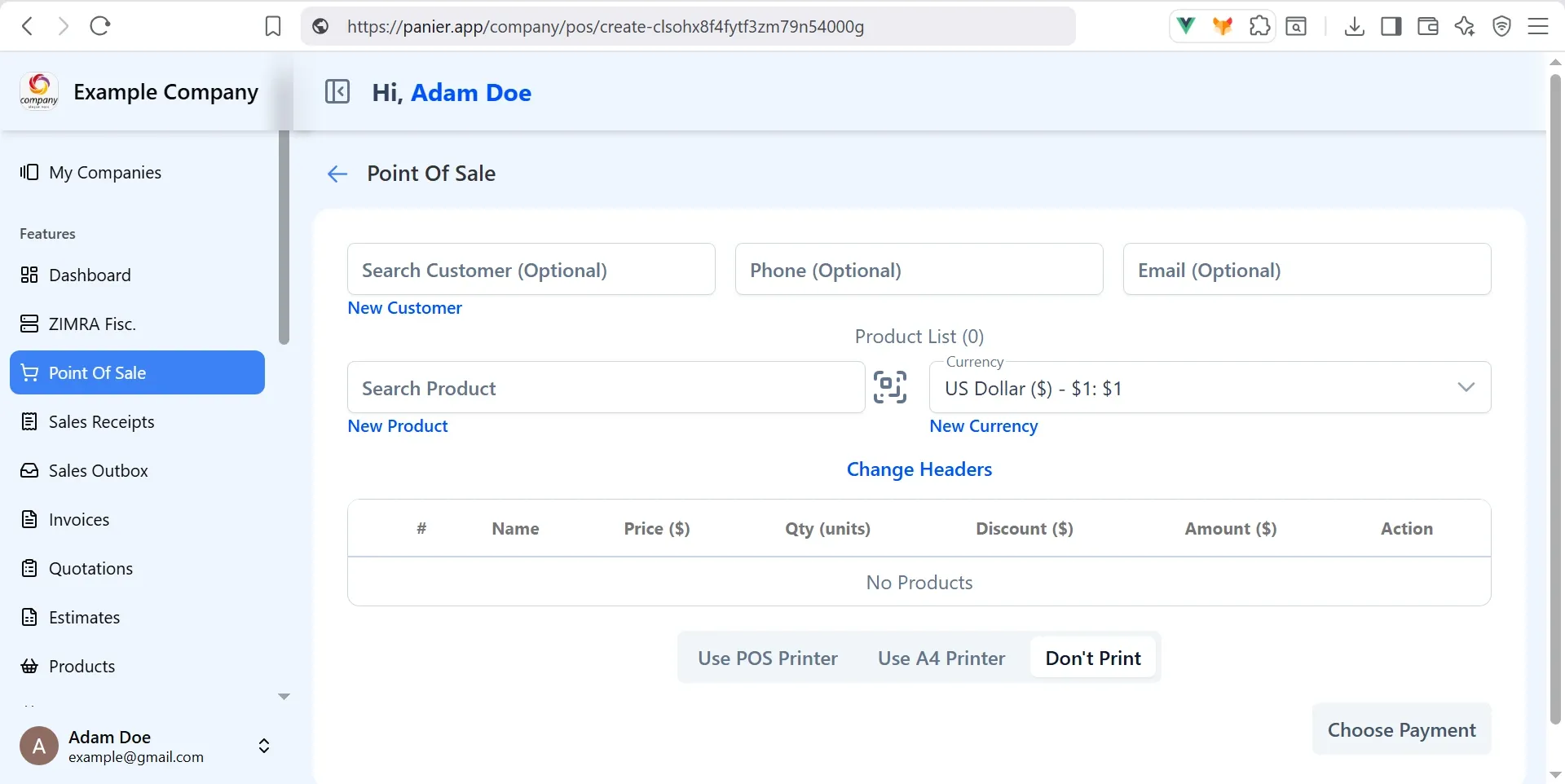
You can also link the Point of Sale to any of our Payment Providers, that is Paynow or Smile & Pay, allowing you to accept payments from your customers using Ecocash, Innbucks, O'Mari and SmileCash. You can also create a Custom Payment Method and label it on your sale receipt, for example you could create a custom payment method called Wife's Ecocash Wallet or CBZ Swipe Machine.
You can also create a ZIMRA Fiscal Tax Invoice straight from the Point of Sale feature and then download an A4 PDF or print on a POS thermal printer with the ZIMRA validation QR Code, all from a single click in our system. Thus offering a very compelling ZIMRA Tax compliant Point of Sale system for the average Zimbabwean business.
ZIMRA Tax Invoice 80mm POS printout